There are separate policies defined for each exercise. When in the console, go to Employees -> Policies then select the dropdown to use the correct policy for each exercise.
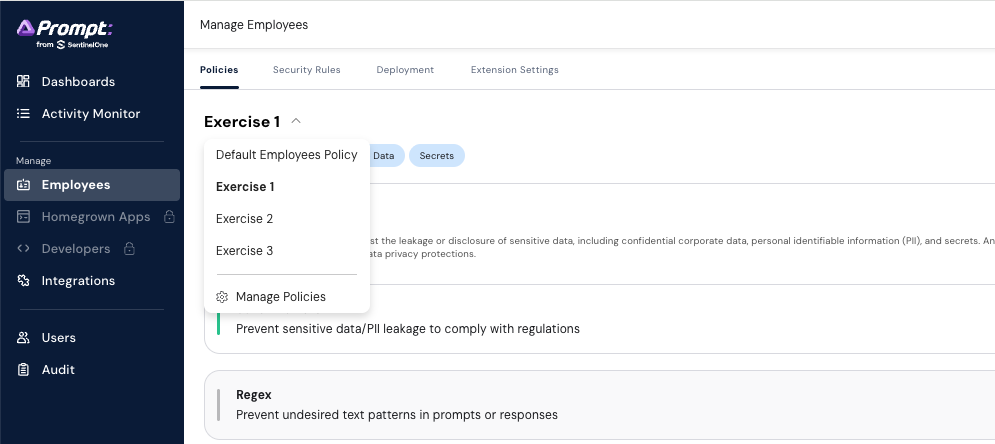
DO NOT SAVE THESE. You can make changes in the policy and test those changes locally in the platform. I have audit logs and will publicly shame anyone who saves the policy.
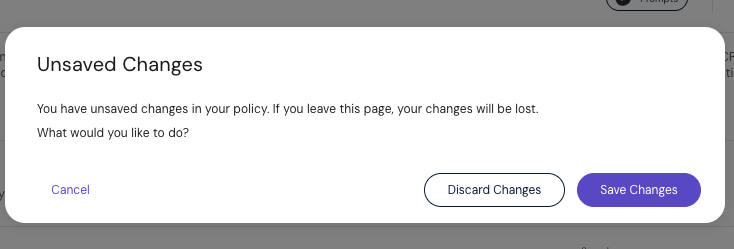
DO NOT USE Natural Language Guardrails for any of these exercises
DO NOT
change any ‘extension settings’, those are global, and are not needed for these
exercises.’
The tenant is available at https://useast.prompt.security/login
At the ‘tenant’ screen, enter:
s1-se-workshop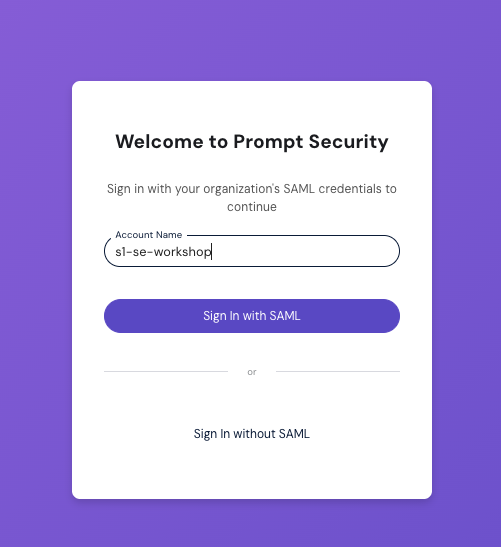
As discussed, those with sentinelone.com email address, login WITH saml. For partners, login WIHTOUT saml and get the emailed code.
If successfully connected, you should see the following screen (or maybe a dashboard, but something *like* this):
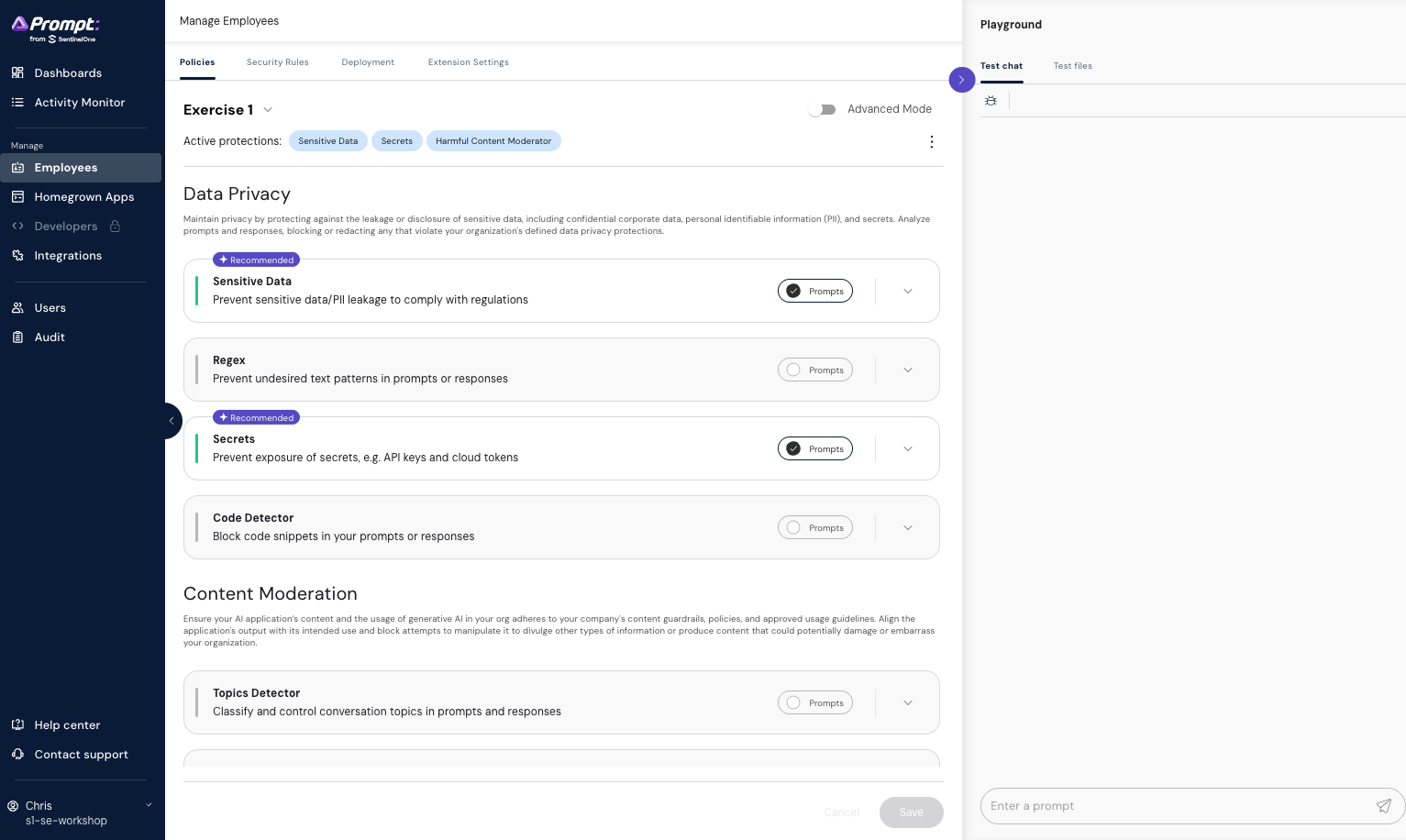
In the blue menu on the left, select the 'Employees' option to access the playground and policies.